
Access and data security
The office signs in with two-step verification, every sign-in is recorded, and sensitive information is encrypted with a key unique to your agency.
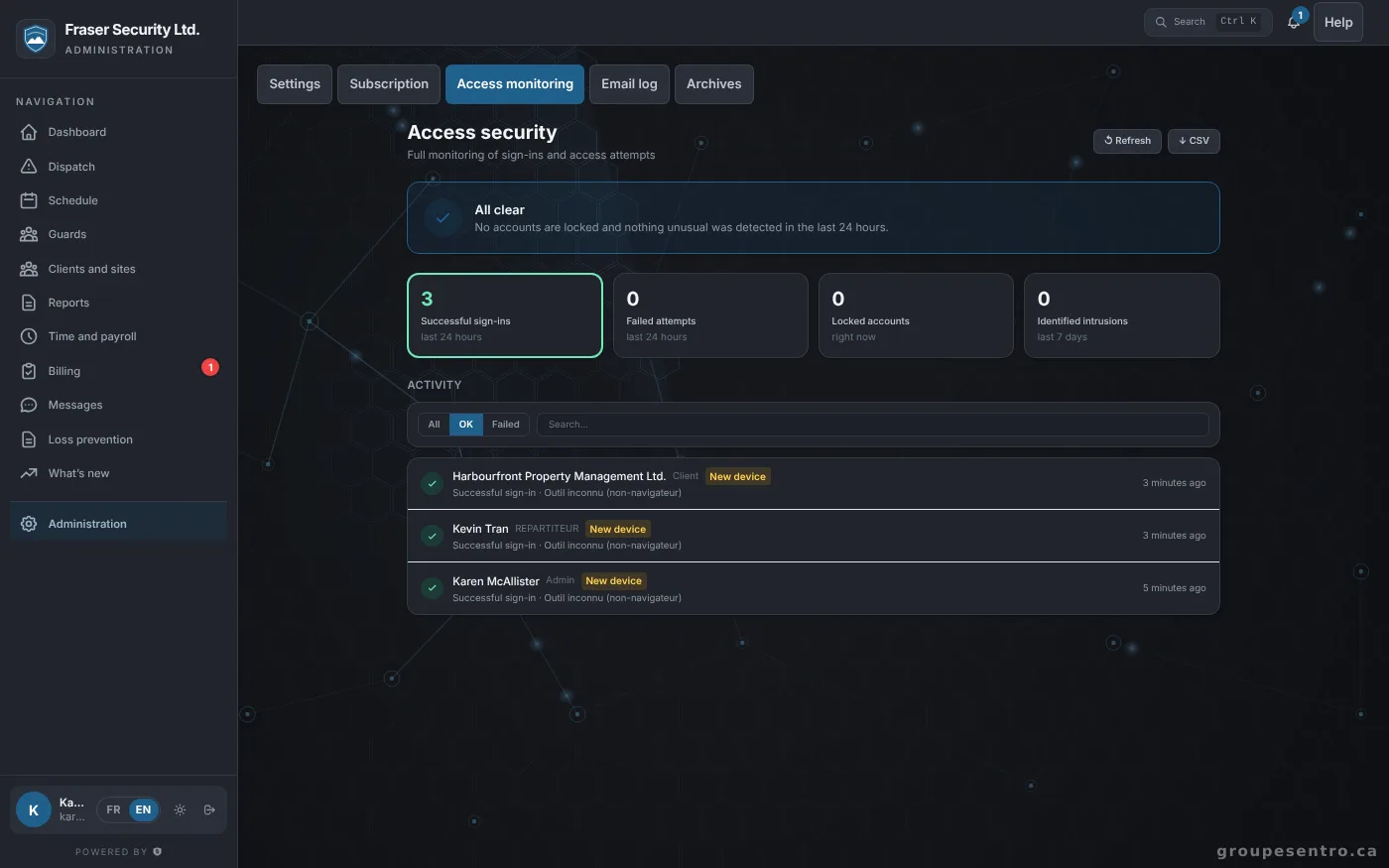
Two-step verification
It is required for the office, supervisors and dispatchers, available to guards, and a trusted device is not asked for the code at every sign-in.
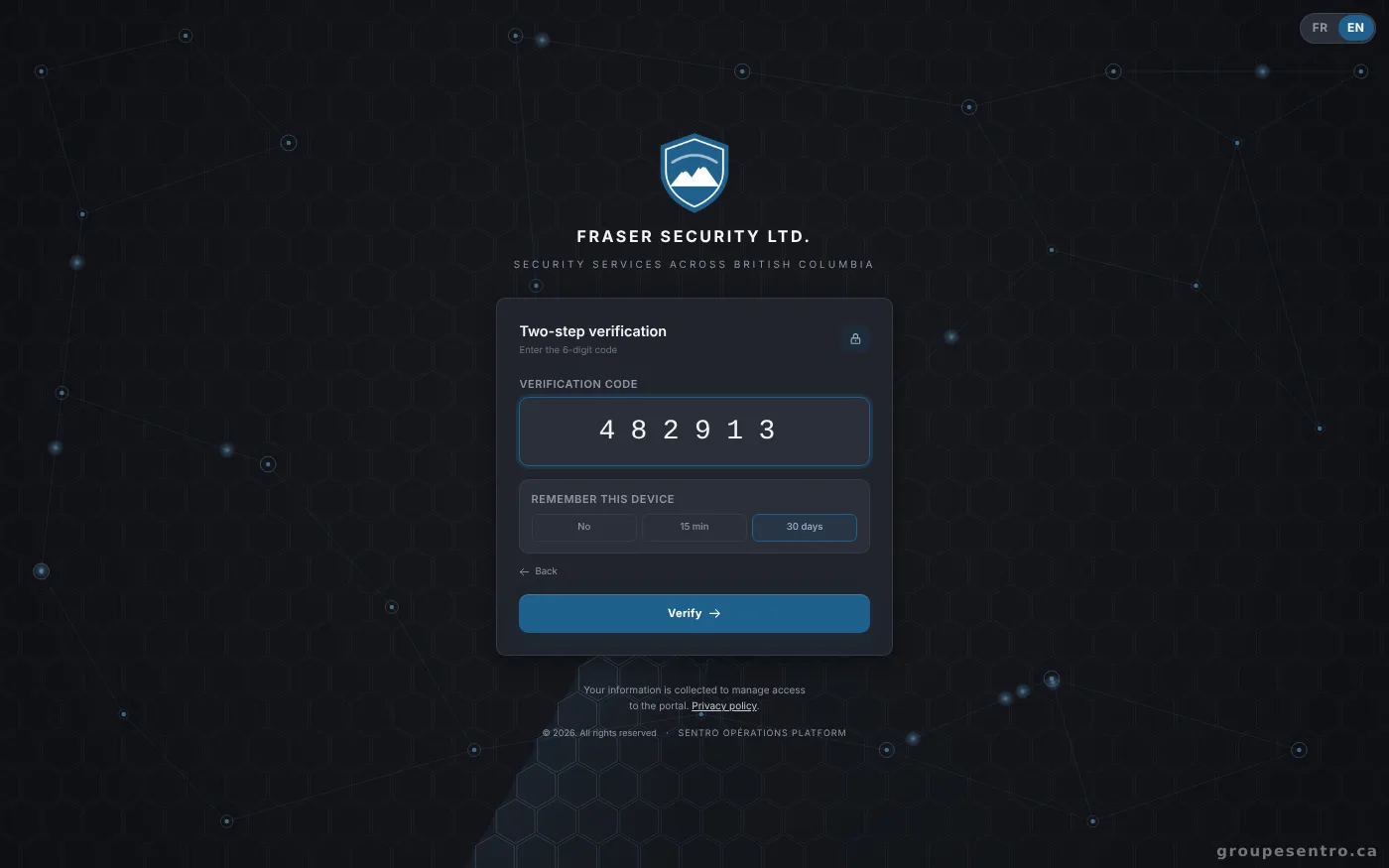
Signing in with the six-digit code.
Sign-ins and the activity log
Every sign-in is recorded with its device, a new device is flagged, and you can search and export the activity log.
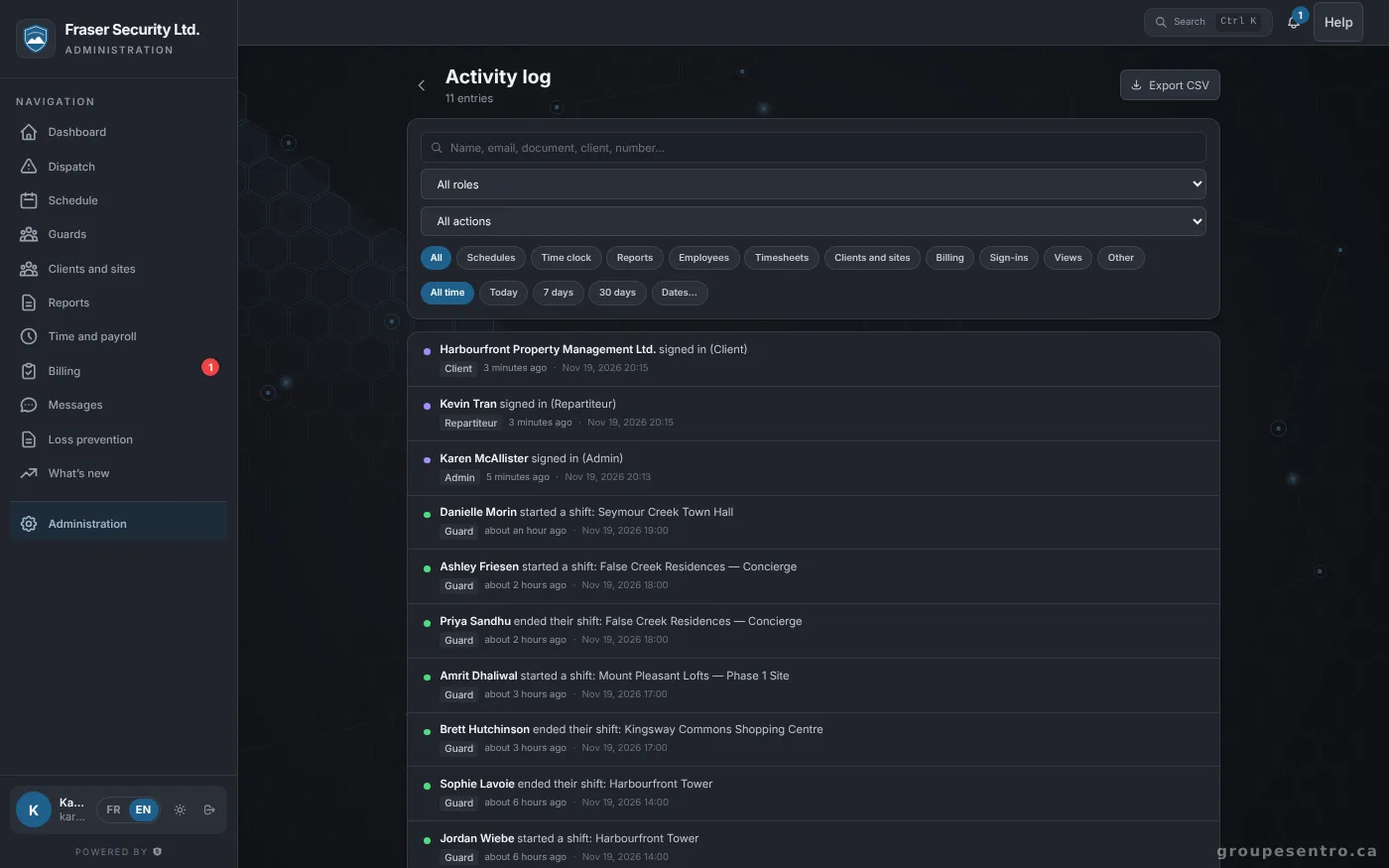
The activity log.
One encryption key per agency
Each agency has its own 256-bit AES-256-GCM key. That key is encrypted by a master key kept in a key management service separate from the server, which it never leaves. One agency’s data does not decrypt with another agency’s key.
The encrypted information
Sensitive personal information about employees and sites is stored encrypted with the agency’s key.
What Sentro sees
The Sentro panel never shows this information. Sentro support enters your portal only with your main admin’s approval, for the time and level they choose: never SINs, banking information, file notes or employee documents. Every action is written to your log. The agency’s full export is sent to its main admin.
Each agency isolated in the database
Each agency is isolated in the database: it never sees another agency’s data.
Passwords and sign-ins
Passwords are protected with a slow, salted hash. Every page goes through an encrypted connection. Repeated sign-in attempts are blocked and the account locks automatically.
Backups
Full backup every hour.
The service status page
Every part of the service is checked every 5 minutes from outside our servers, with 90 days of history.
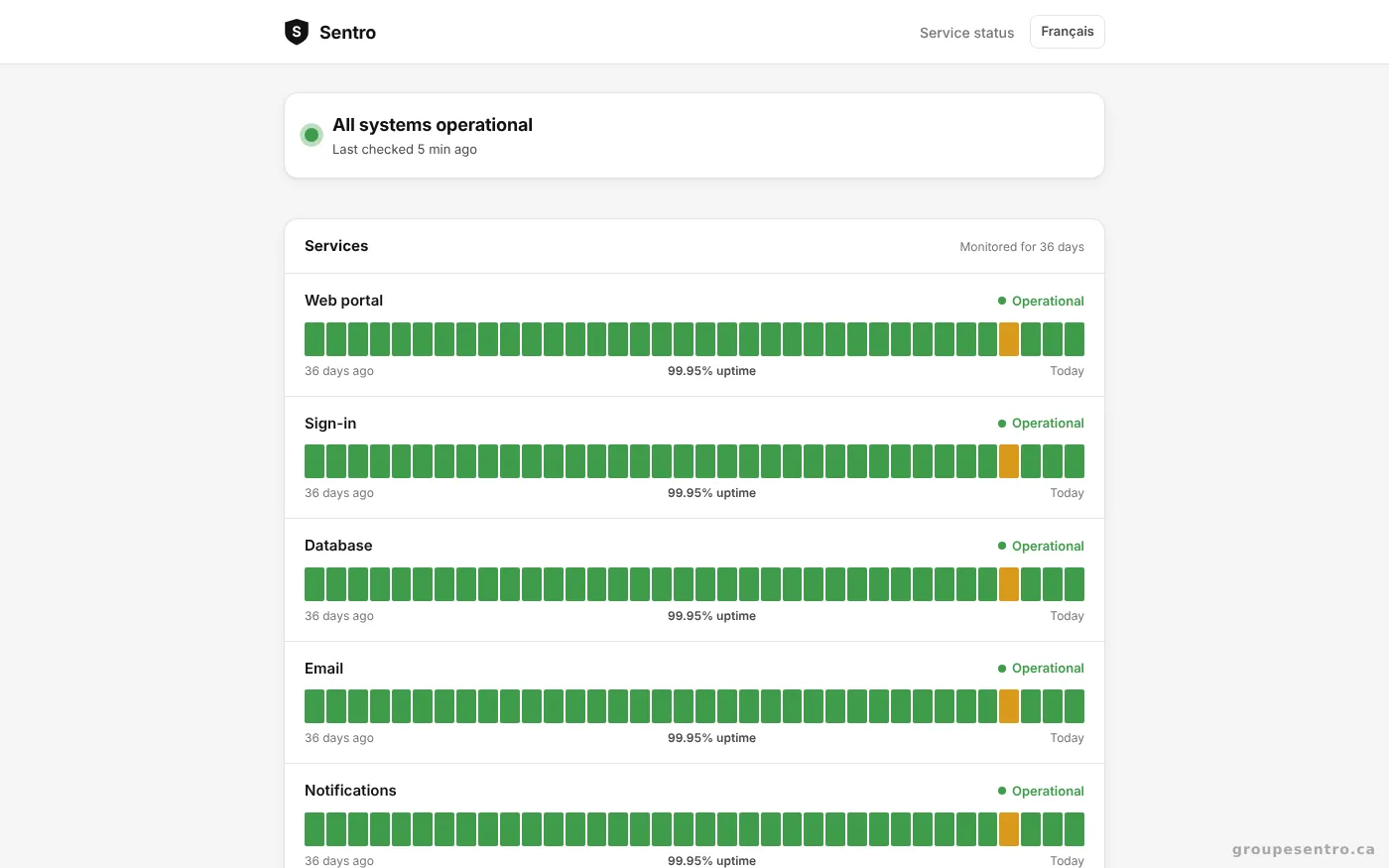
Sentro’s public status page.
Approved report = locked
No one can change it, not even the admin; corrections are made by addendum.
Frequently asked questions
Can our employees’ SINs be seen in the Sentro panel?
No. Neither the Sentro panel nor its support has access to SINs or any other encrypted employee information.
Can another agency see our data?
No. Each agency is isolated in the database and only sees its own data. Information encrypted with one agency’s key does not decrypt with another’s.
How are passwords stored?
They are protected with a slow, salted hash: no one, not even Sentro, can read them.
Is two-step verification required?
Yes for the office, supervisors and dispatchers. Guards can turn it on in their settings.
How often is our data backed up?
A full backup every hour.
Can we get all of our data back?
Yes. The agency’s full export is sent to your main admin. Only they can download it.
Can an approved report be changed?
No. Approved report = locked. No one can change it, not even the admin; corrections are made by addendum. The client sees the addenda under the report. The same rule applies to site visit reports, once sent, and to closed dispatch calls.
Try Sentro with your team
20 days free, with 24/7 support during the trial. We reply within 24 hours.