
Your clients’ portal
Your clients sign in under your name and logo to see approved incident reports, completed patrols, their invoices and quotes to sign.
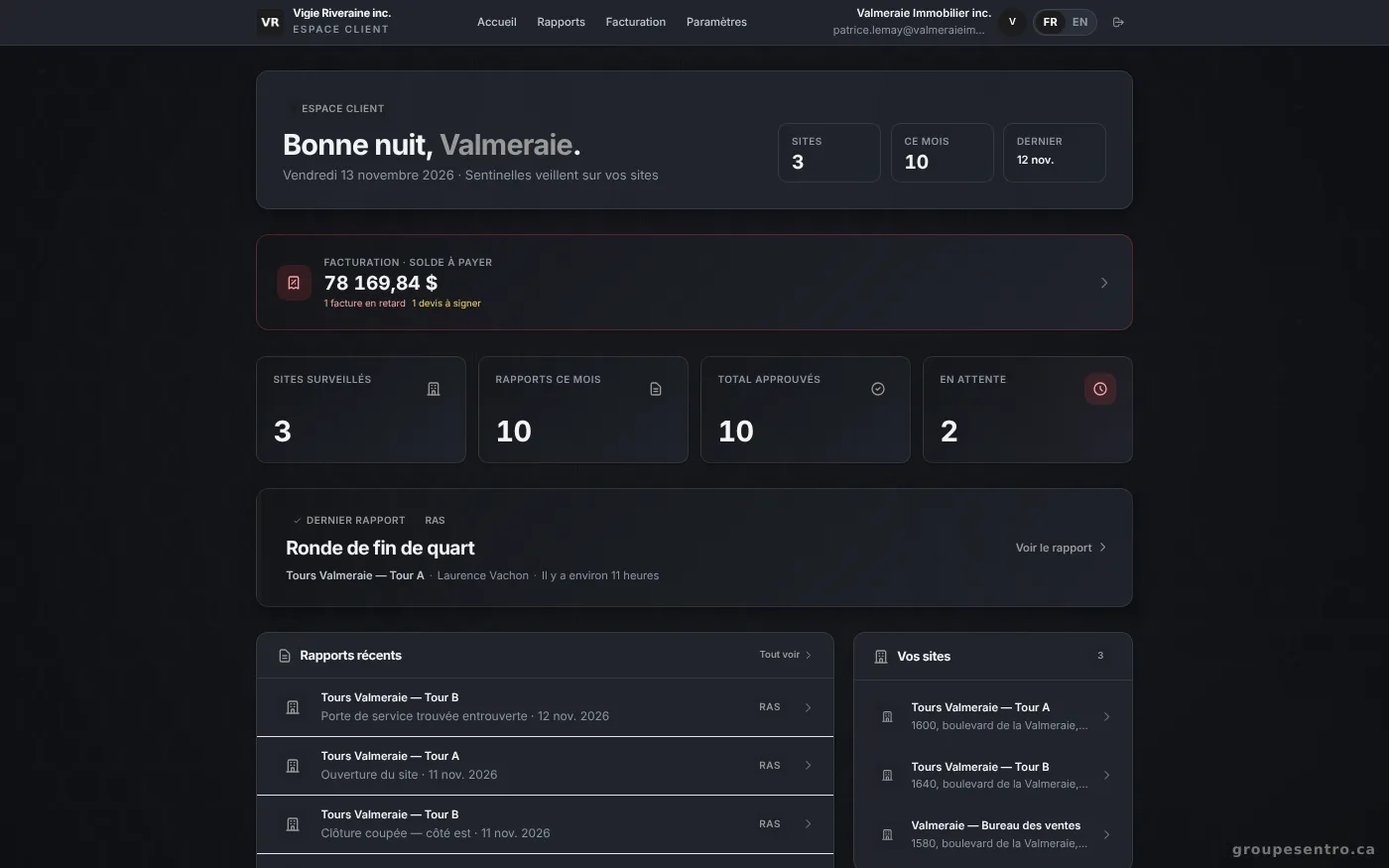
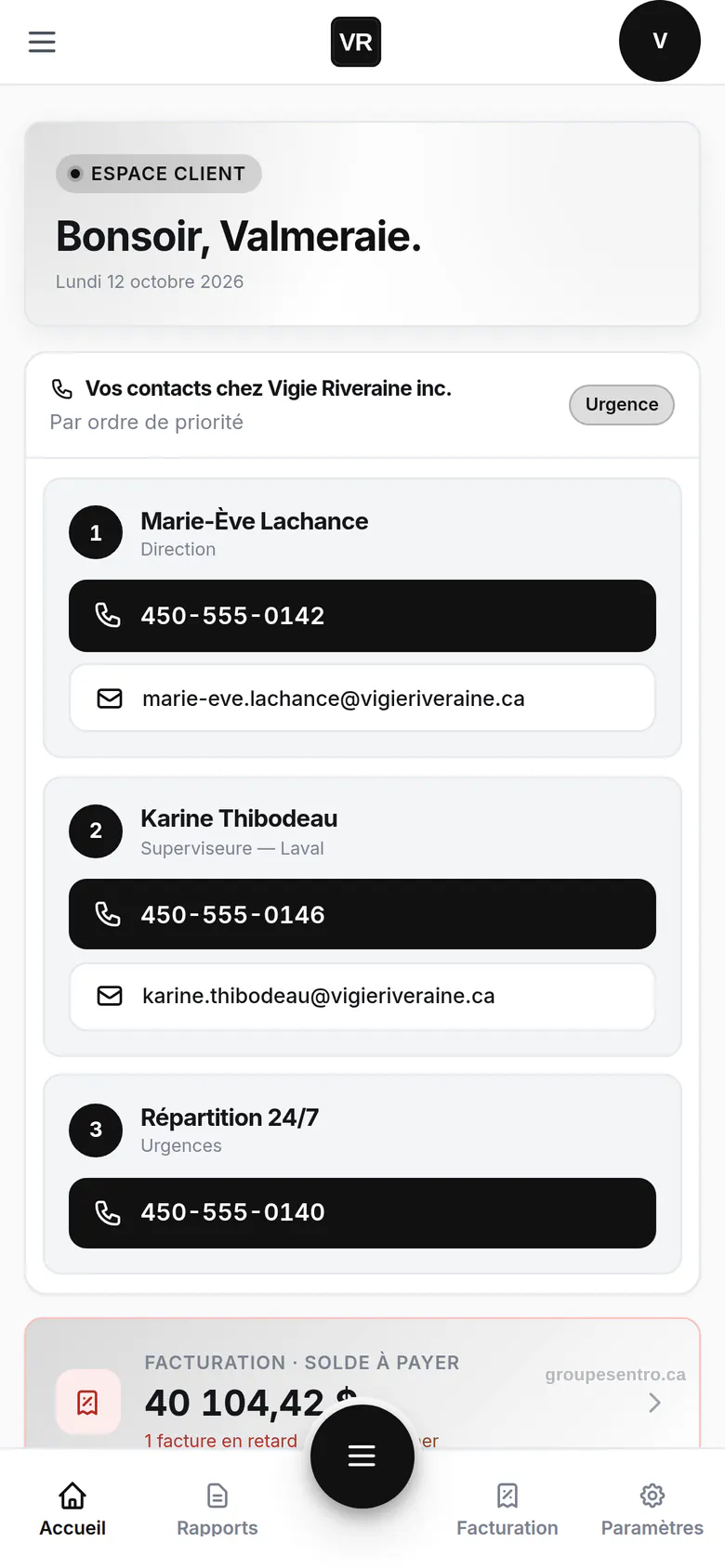
The client’s reports and sites
The client finds the incident reports you approved, site by site, and downloads the PDF.
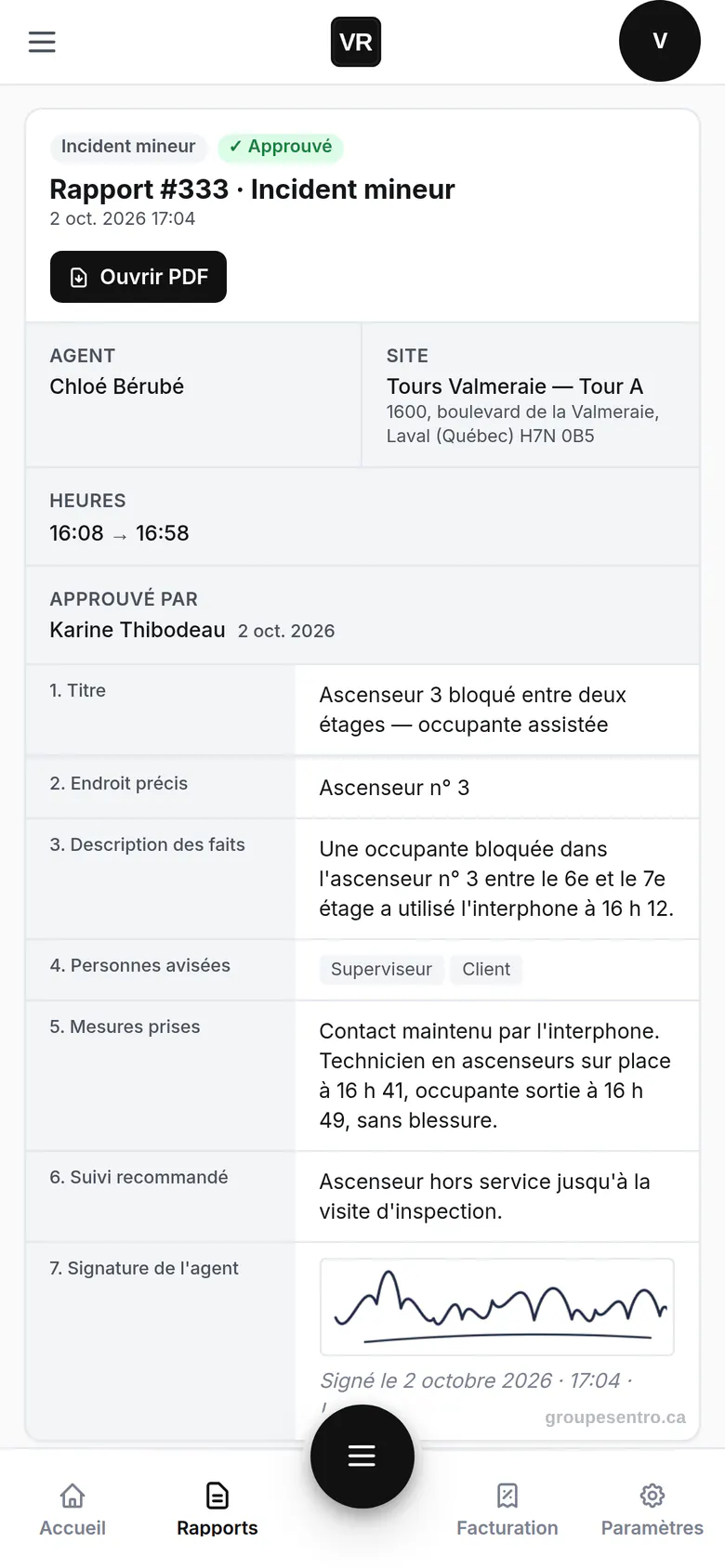
An approved report, read by the client on their phone.
Their invoices and quotes
The client sees what is due or paid, opens the PDF and signs quotes without leaving the portal.
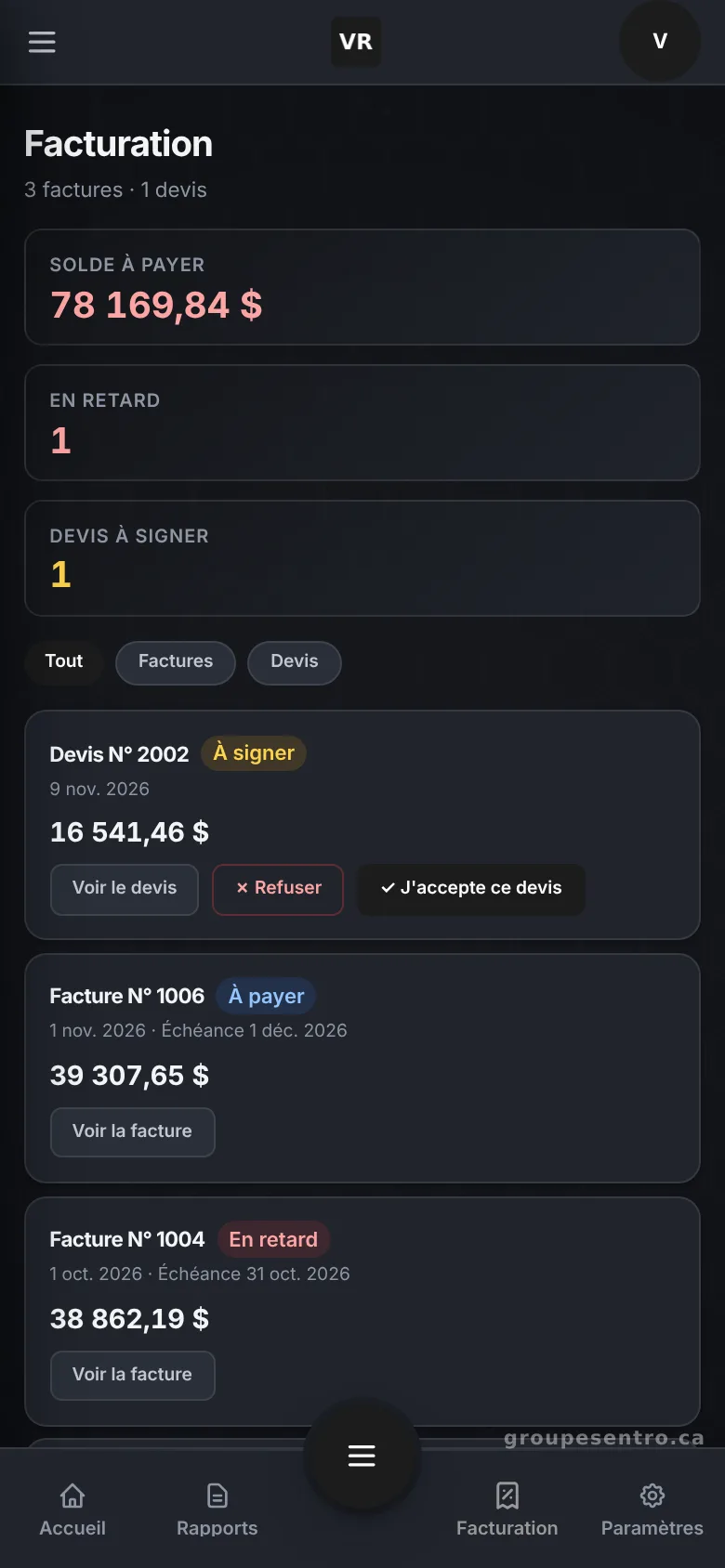
The client’s invoices and quotes to sign.
The client file, on the agency side
Sites, contacts, billing and documents such as post orders on one page, never visible to guards.
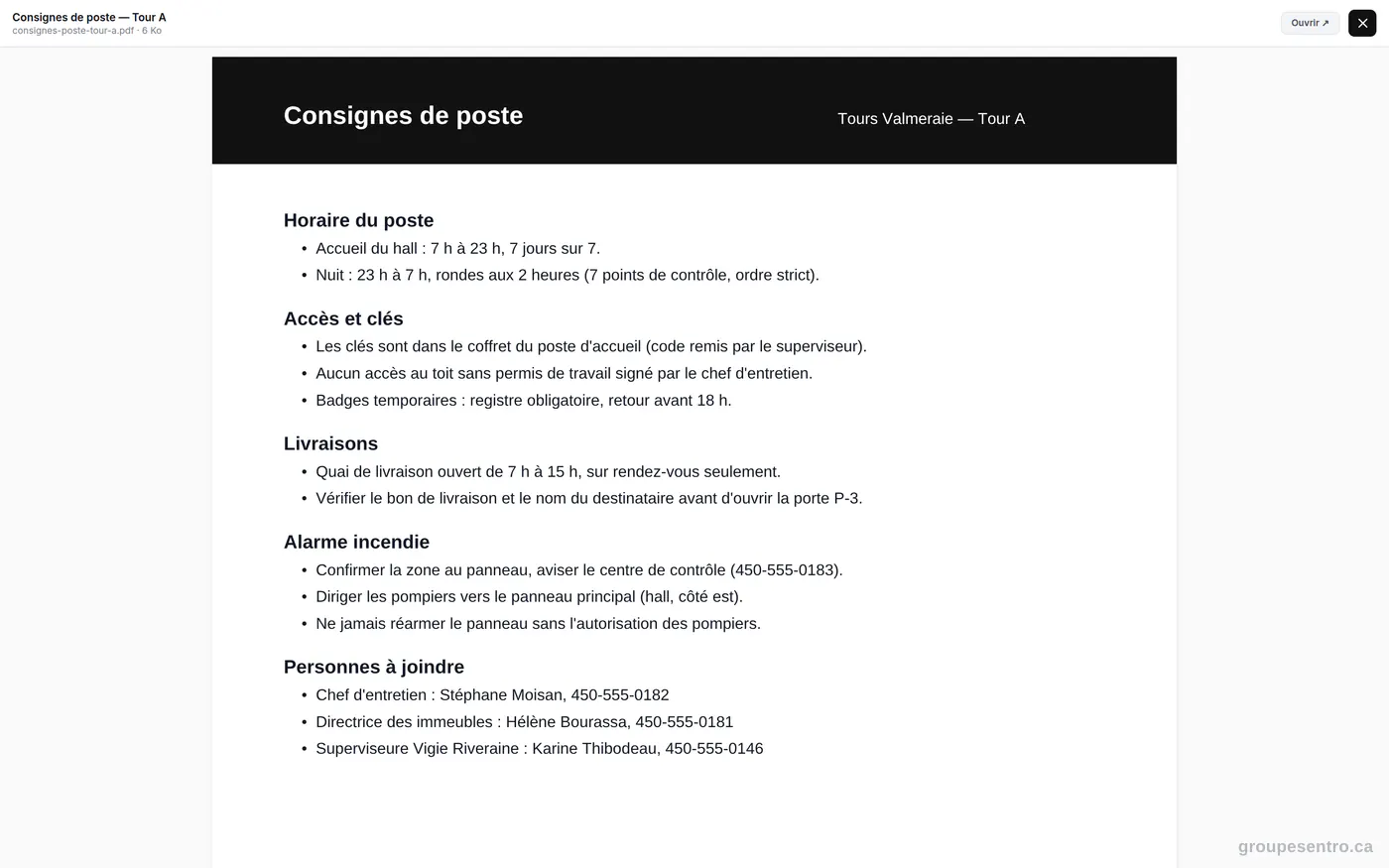
A site’s post orders, opened in the portal.
Try Sentro with your team
20 days free, with 24/7 support during the trial. We reply within 24 hours.