
A security guard time clock with GPS punch
Guards punch in from their phone, the GPS confirms they are on site, and the hours fill in the timesheet.
14-day free trial, with 24/7 support.
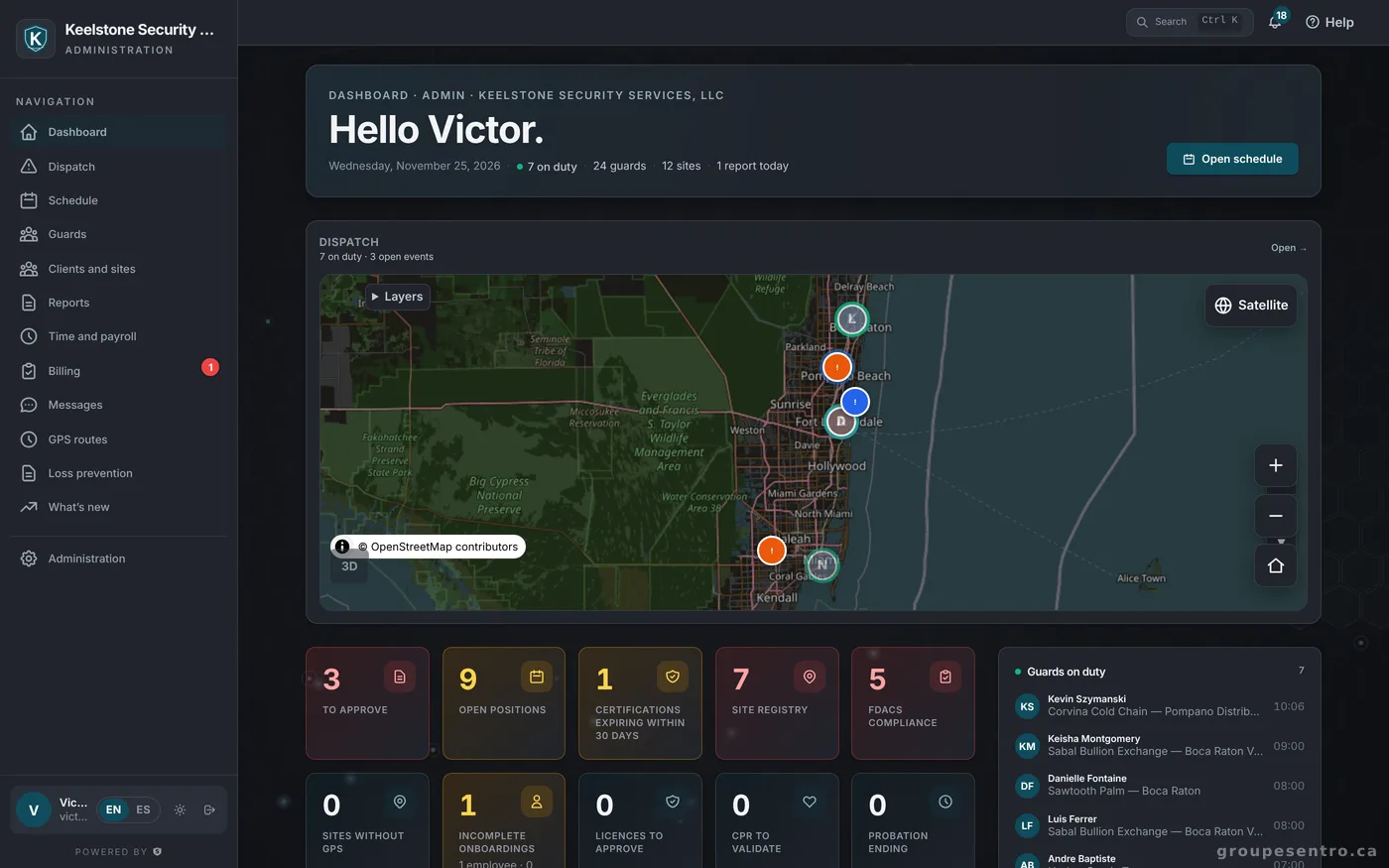
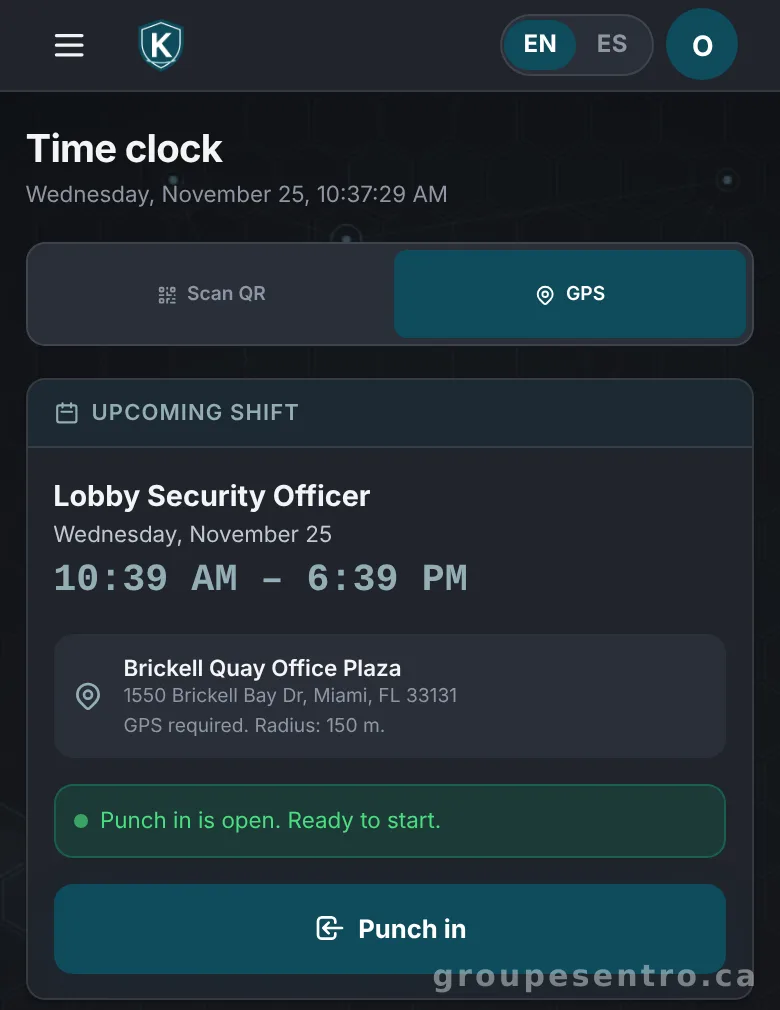
Punch in on site
The guard punches in from their phone, within the site’s radius. The office sees who is on duty without calling each site. The location is recorded only during the shift, with the guard’s consent.
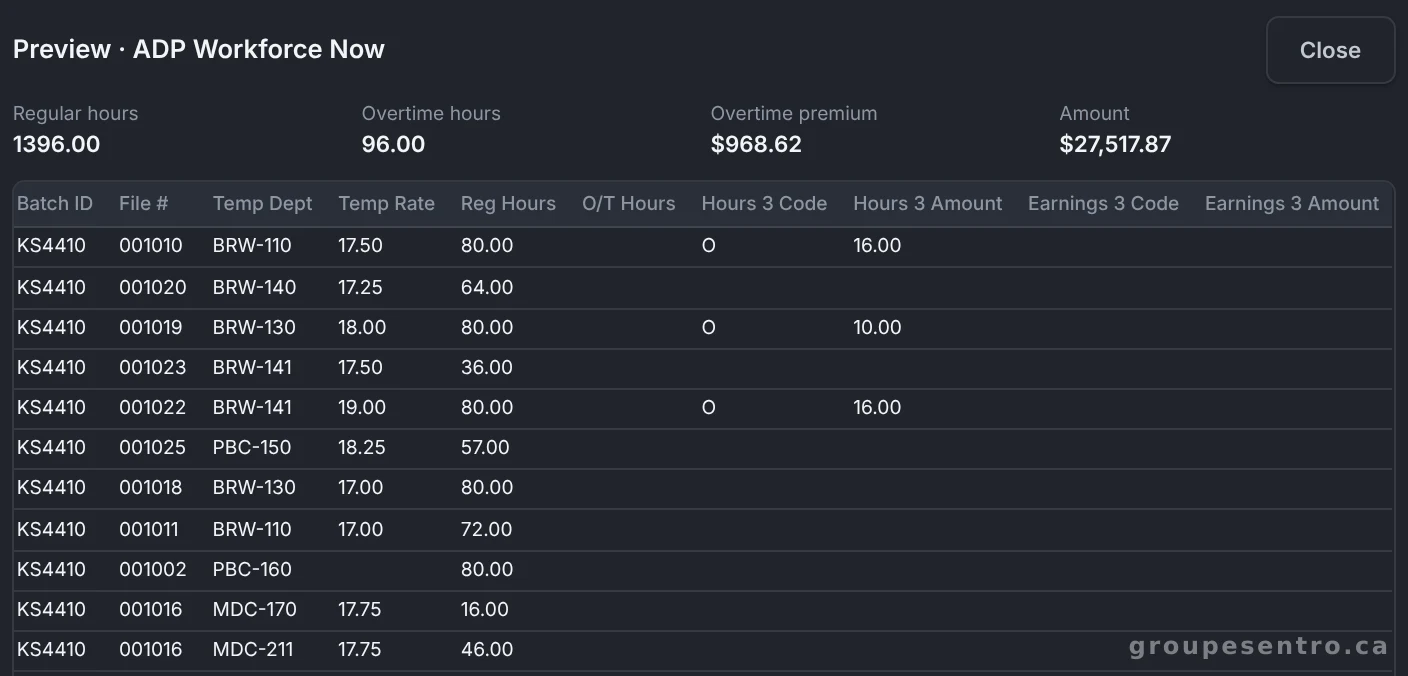
Timesheets with FLSA overtime
Punched shifts fill in the timesheet, with overtime after 40 hours in the workweek, on the regular rate.
No punch without a valid license
Class D, G and MB licenses are checked automatically in the FDACS public registry. An expired or suspended license keeps the guard off the schedule and the time clock.
Questions about the time clock
Do guards need to install an app?
No. The portal works in the browser. On iPhone and Android, it can be added to the home screen like an app, without an app store.
Can a guard with an expired license be scheduled?
No. From the day a license expires, or as soon as the registry shows it suspended, the guard cannot be scheduled or punch in, and no one can override it.
Try Sentro with your team
14-day free trial, with 24/7 support. We reply within 24 hours.